SoundShop
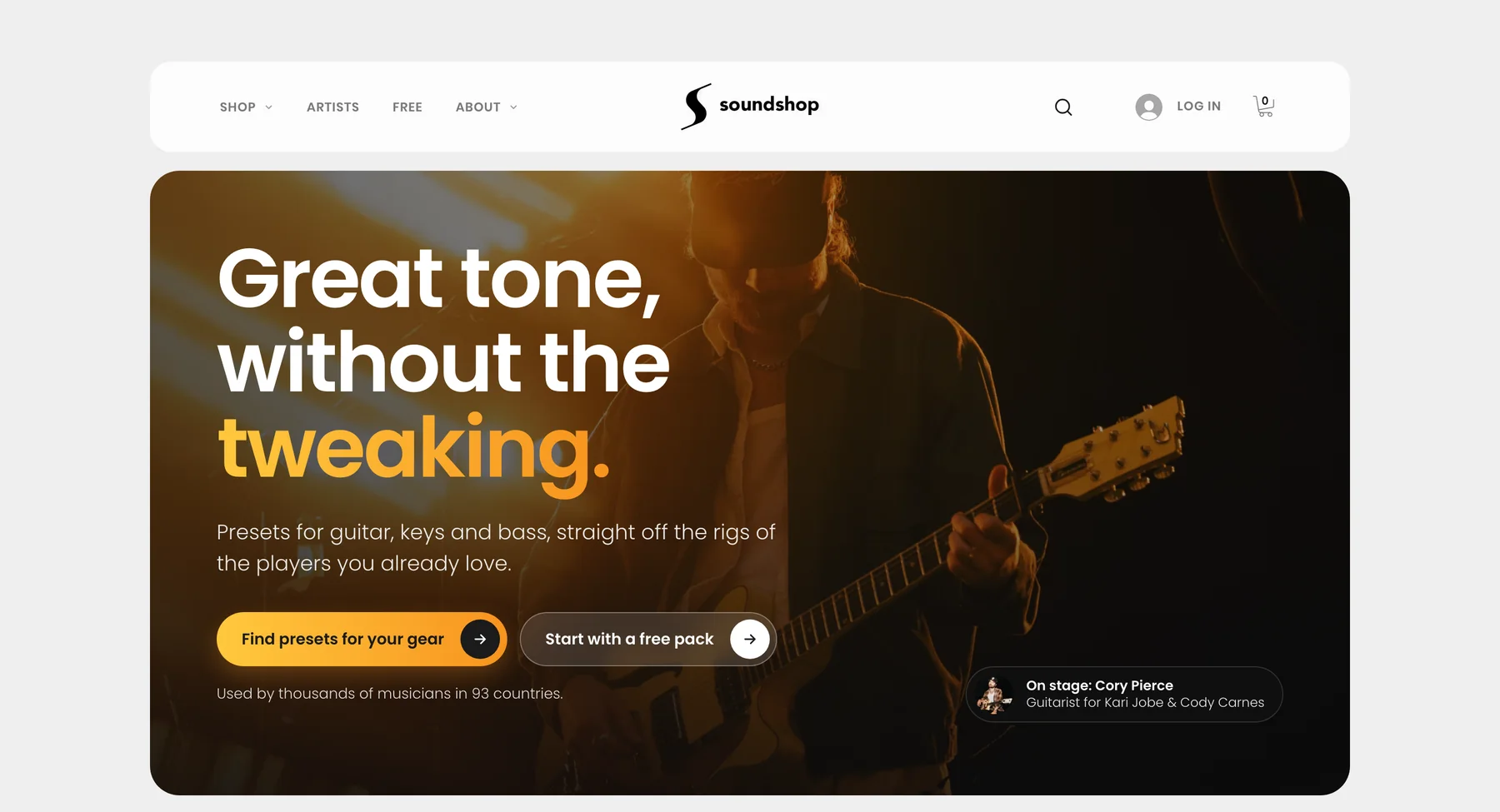
A two-sided marketplace where worship and touring musicians buy presets (ready-made sounds for guitar, bass and keys rigs) from the players they hear on stage, and those players sell them. I founded it and designed every page on both sides.
Problem
Players shop by the band they love and the gear on their board, not by product name. Artists needed a simple way to launch and get paid.
Solution
Discovery built around bands and gear for players, and an Artist Dashboard that takes artists from invite to payout.
Outcome
As of November 2026: 37 live artists and 95 products, rated 4.9 stars from 189 verified reviews. The Artist Dashboard, where artists onboard, track earnings and see payouts, went live for every artist in October 2026.
Two audiences
Guitar, keys and bass players, many of them serving on worship teams at church, who want the real tones of the players they hear on stage. And the touring and session artists who make those tones. I play guitar myself, so I design the store I would want to shop in, and the one I would want to sell in.
Discovery built around bands and gear
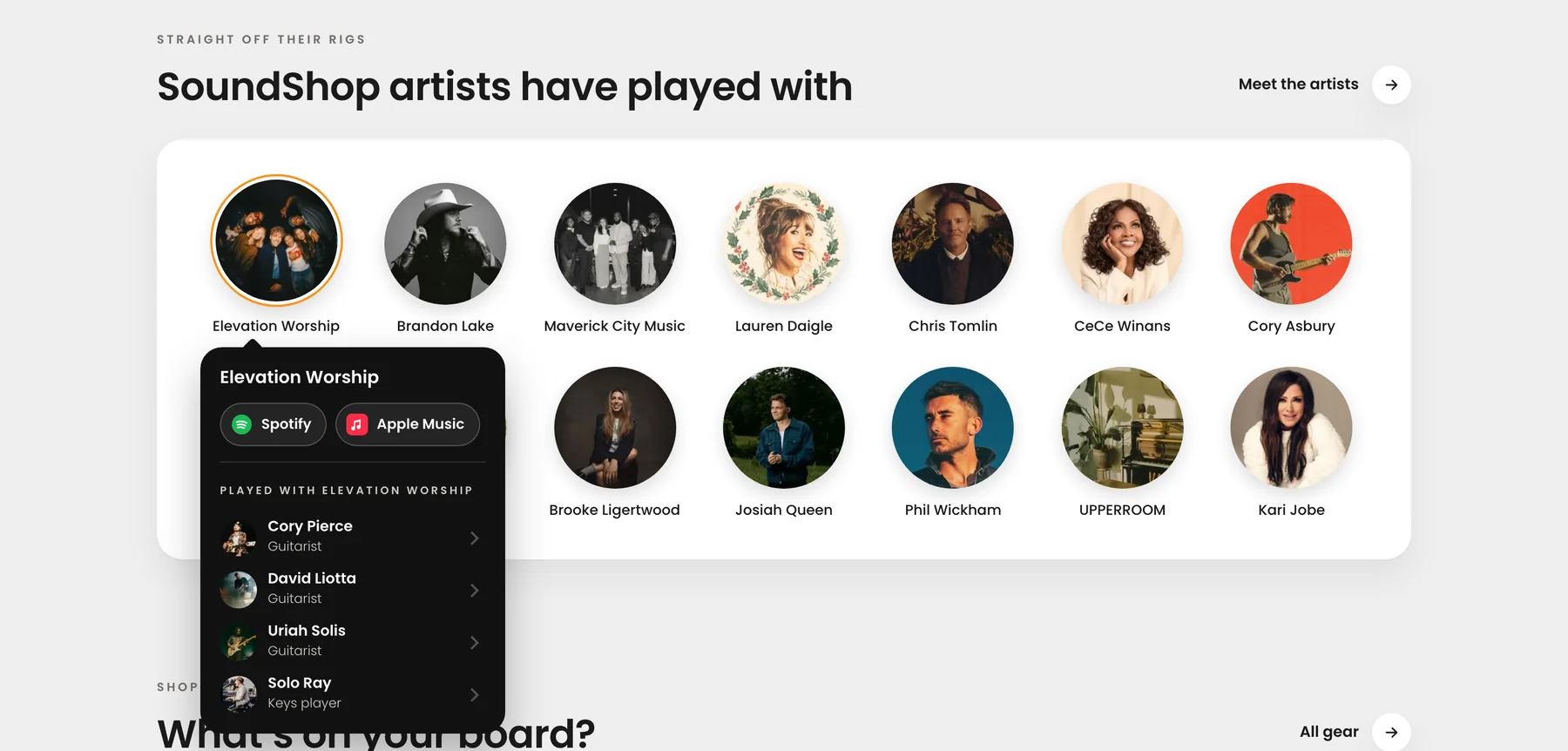
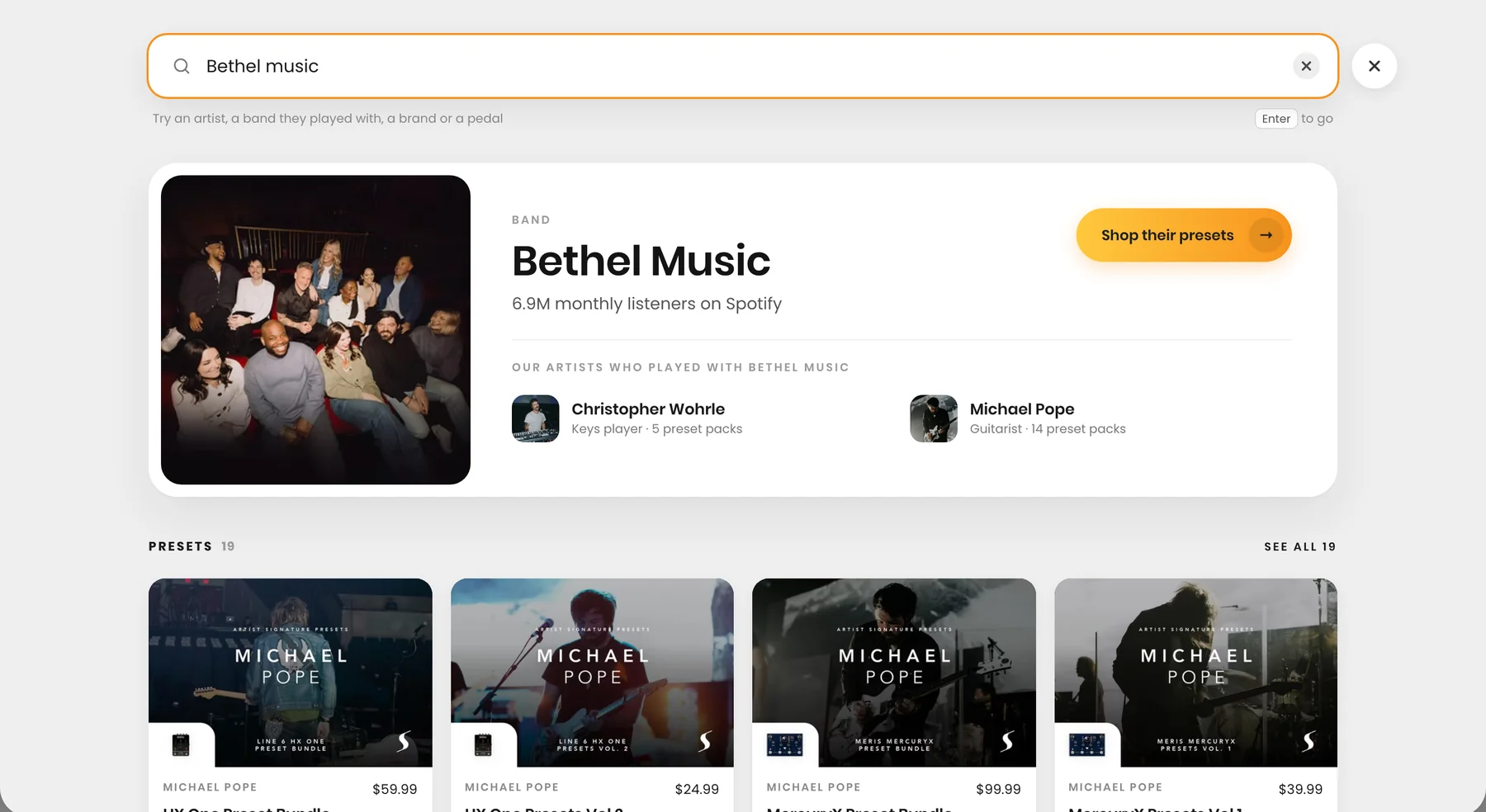
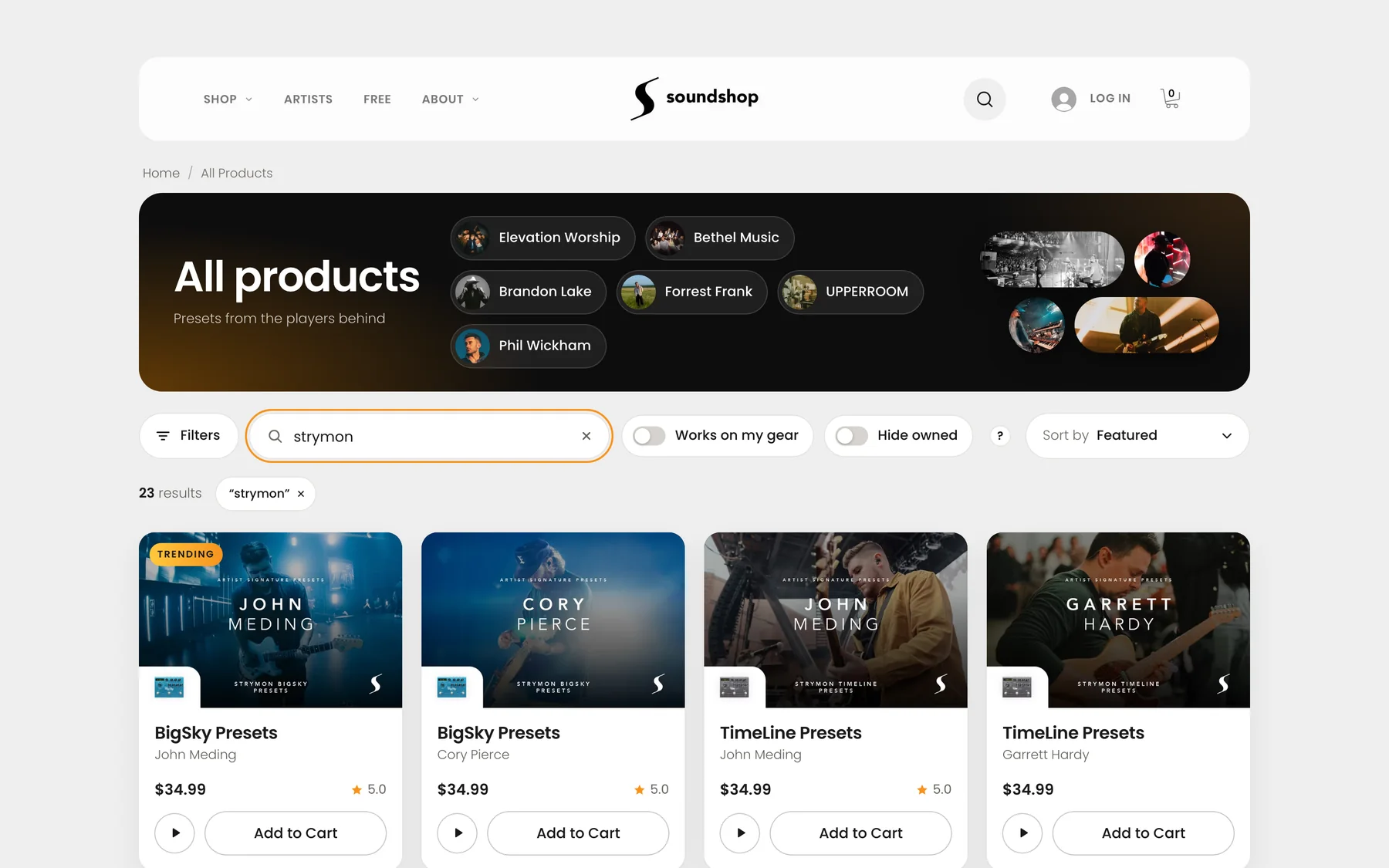
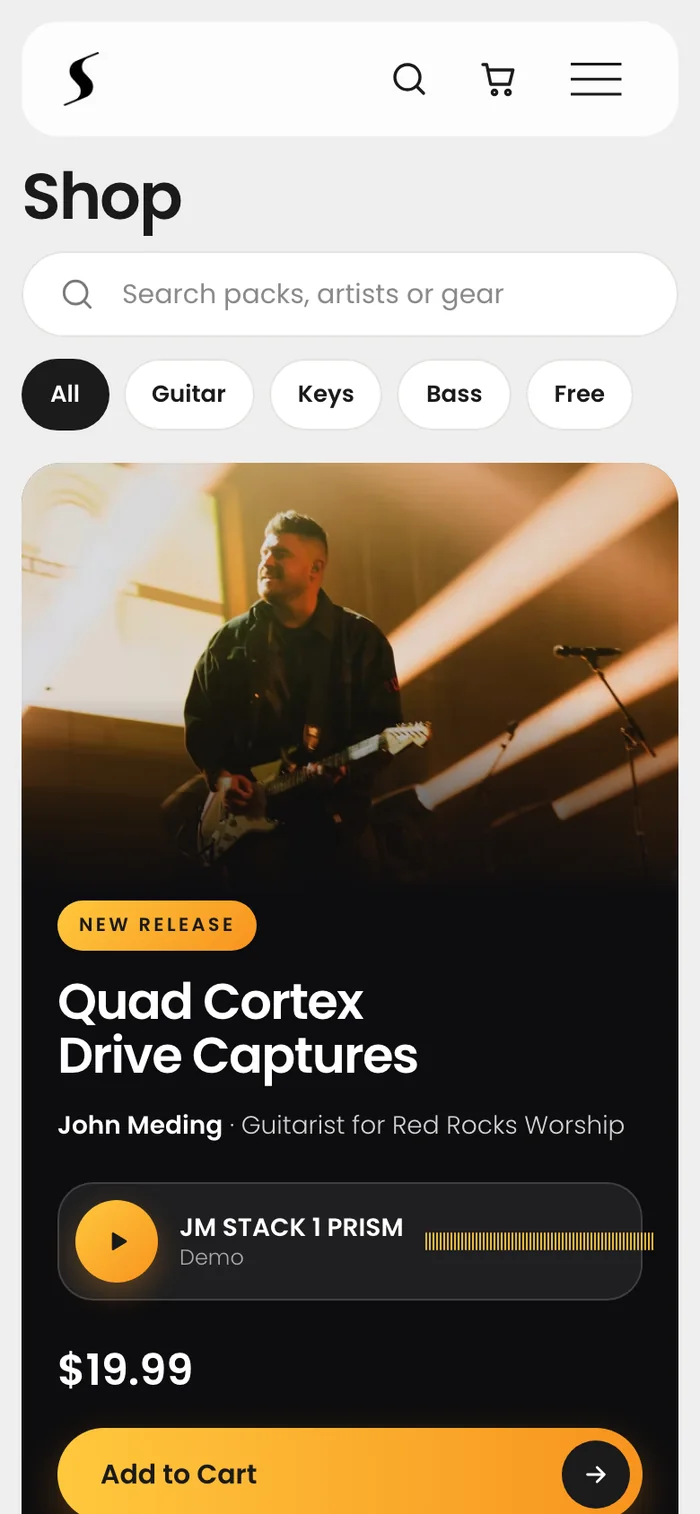
Tap any band to see which of our artists played with them. Search a band, and the results lead with the players behind the sound. Search by pedal, turn on Works on my gear, and hide what you already own.
Artist and product pages
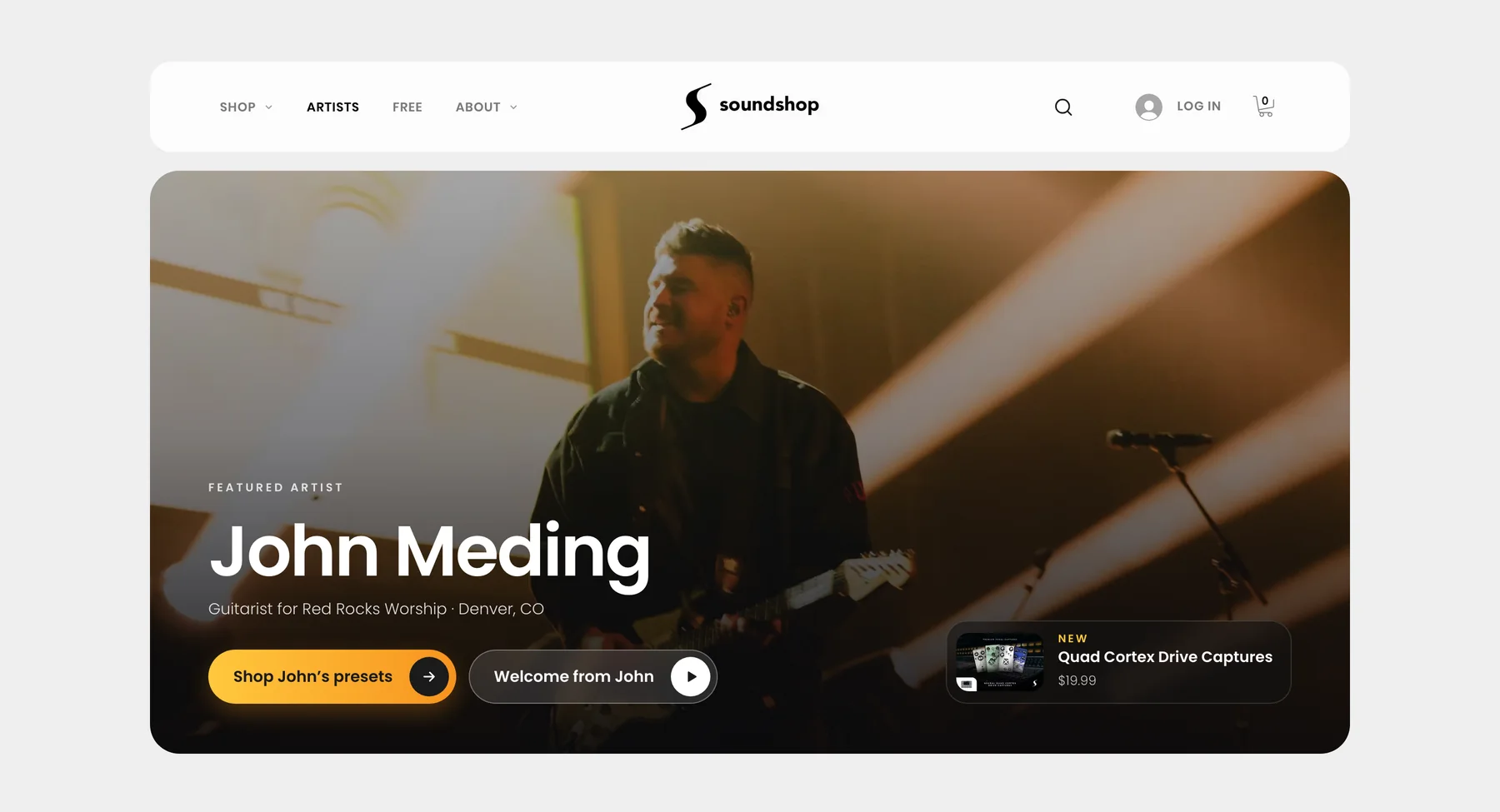
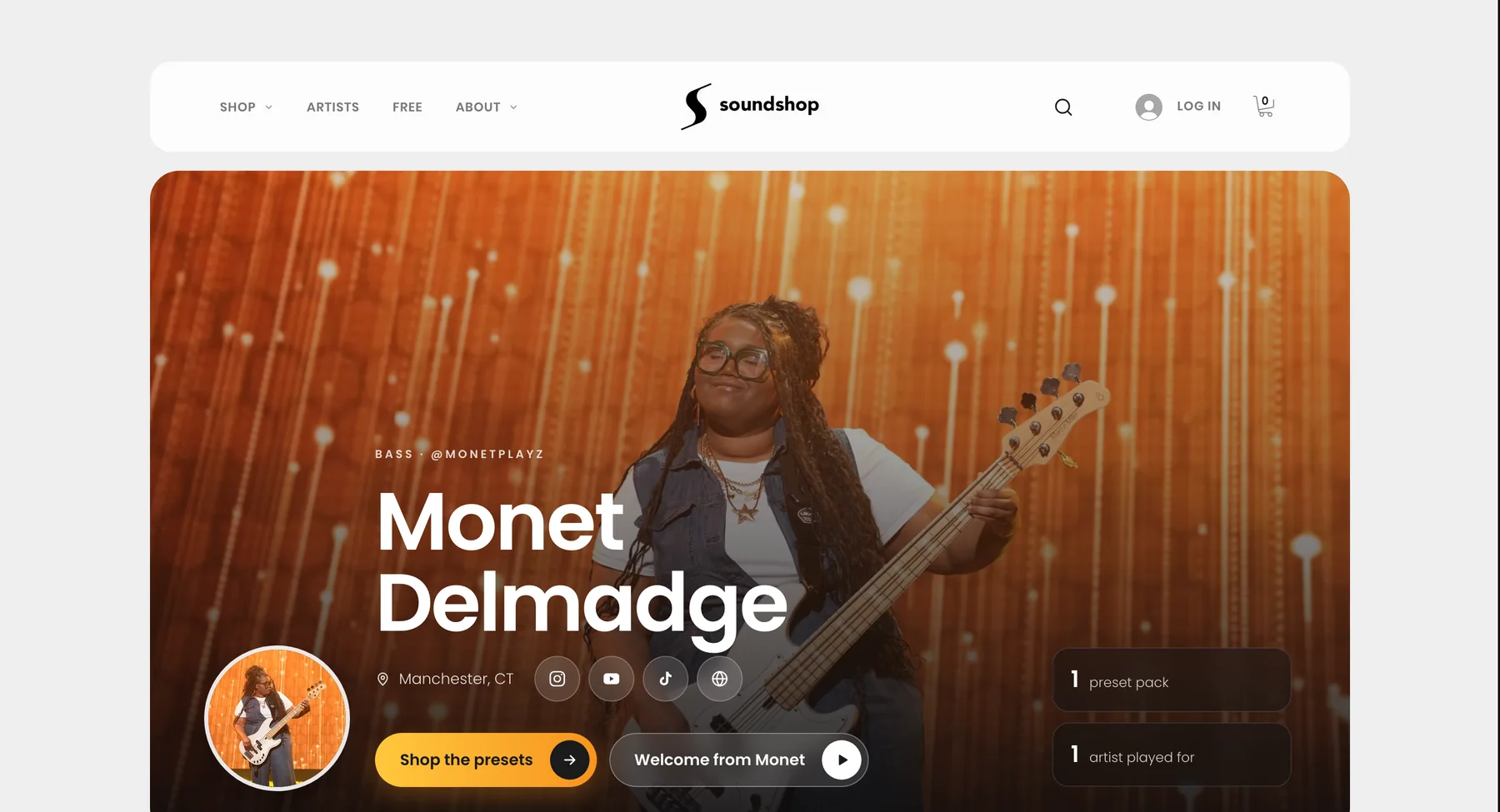
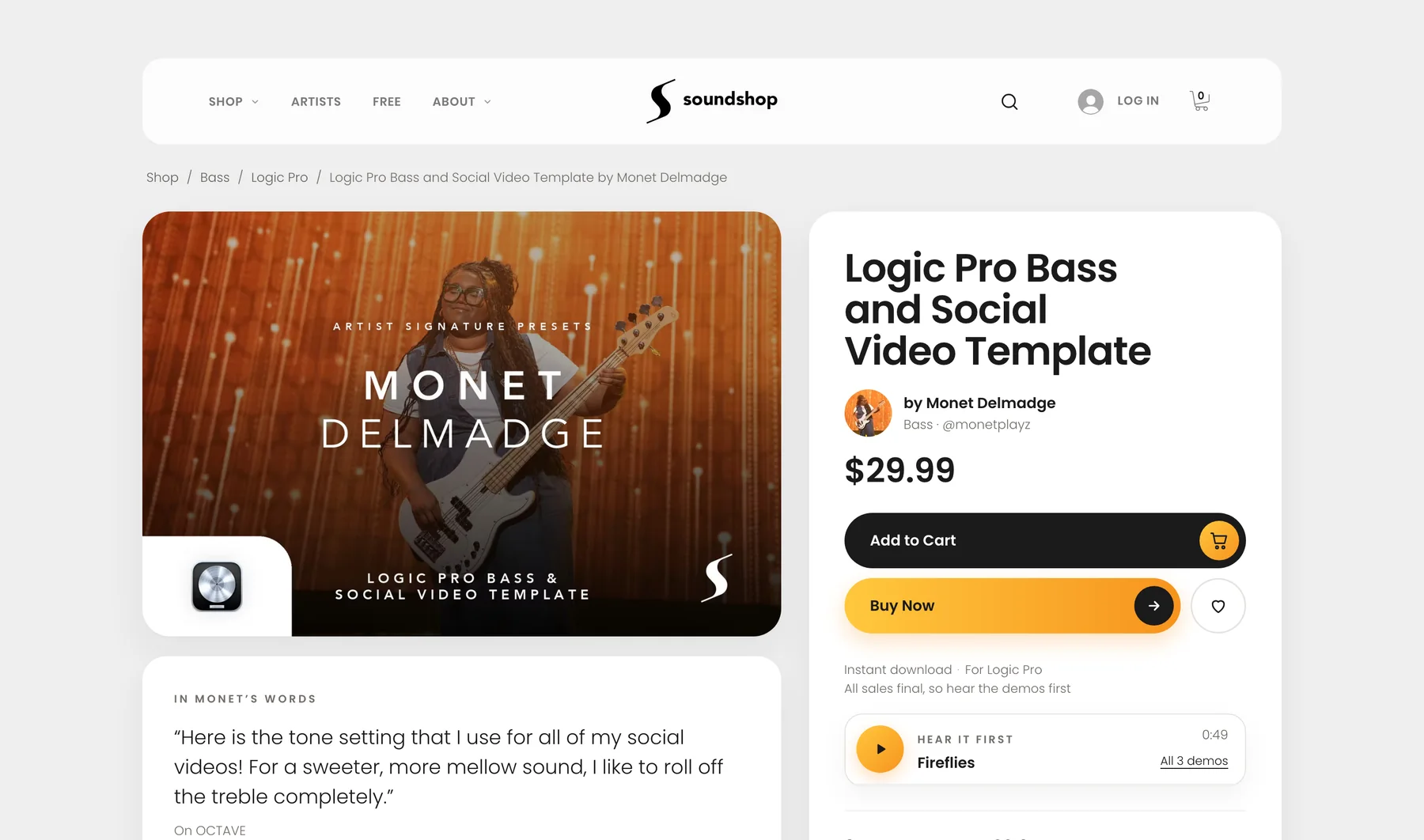
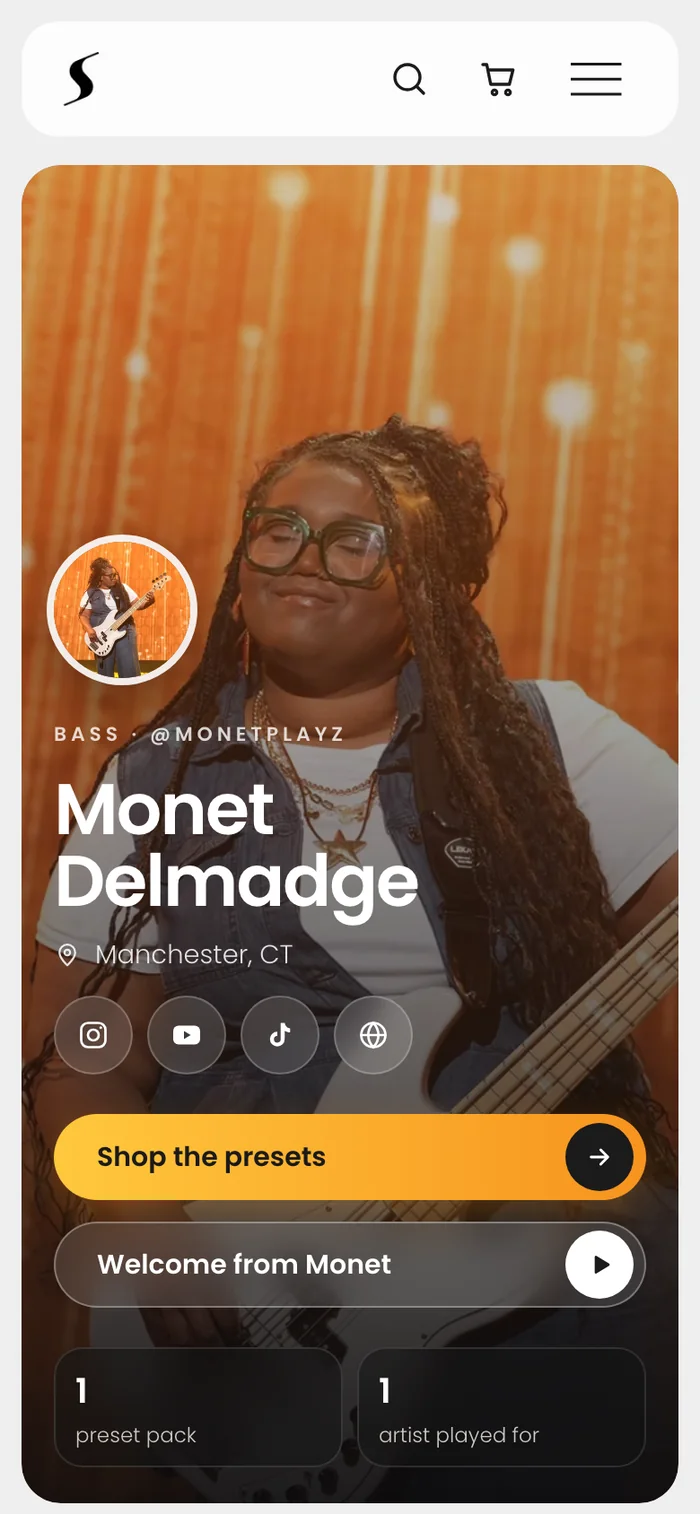
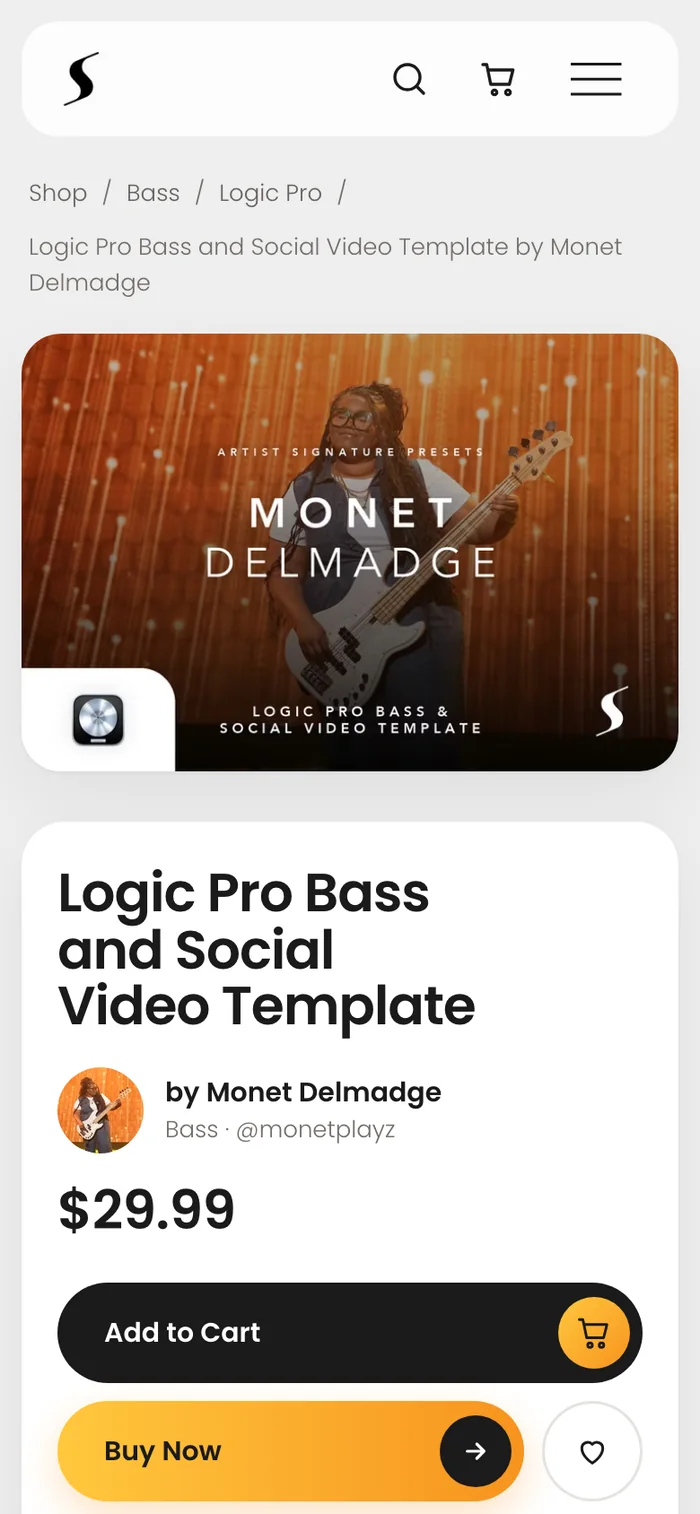
Players buy from players. The artists page leads with the roster, each artist page leads with who they are and who they play for, and each product page leads with the artist, the price and their audio demos.
Phone first
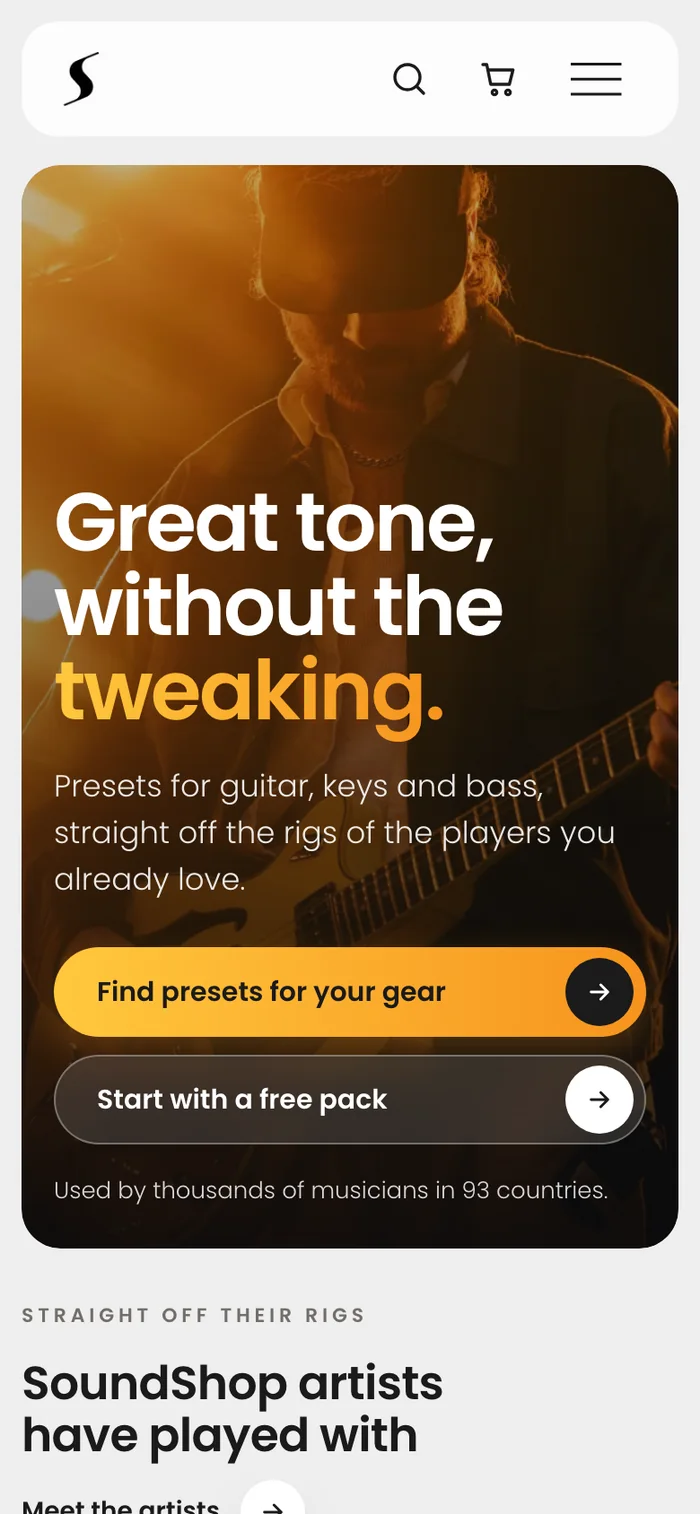
Most musicians shop on their phones, so every page is designed for a phone first and then opened up for larger screens.
Artist onboarding: a clear path to launch
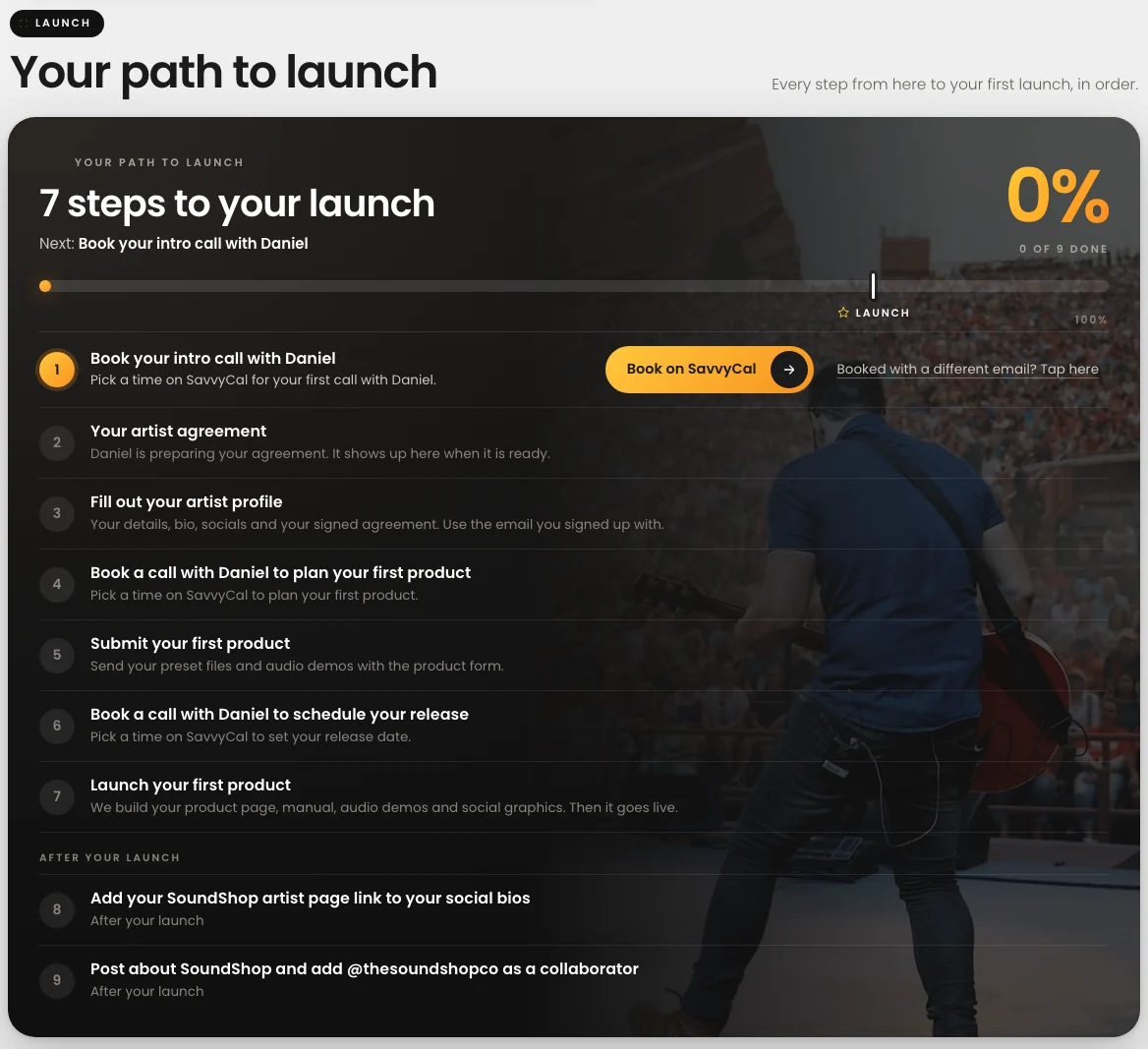
New artists start on one guided path: book an intro call, sign the agreement, build their profile, plan and submit a first product, schedule the release, launch. Each step unlocks the next, and progress is always visible.
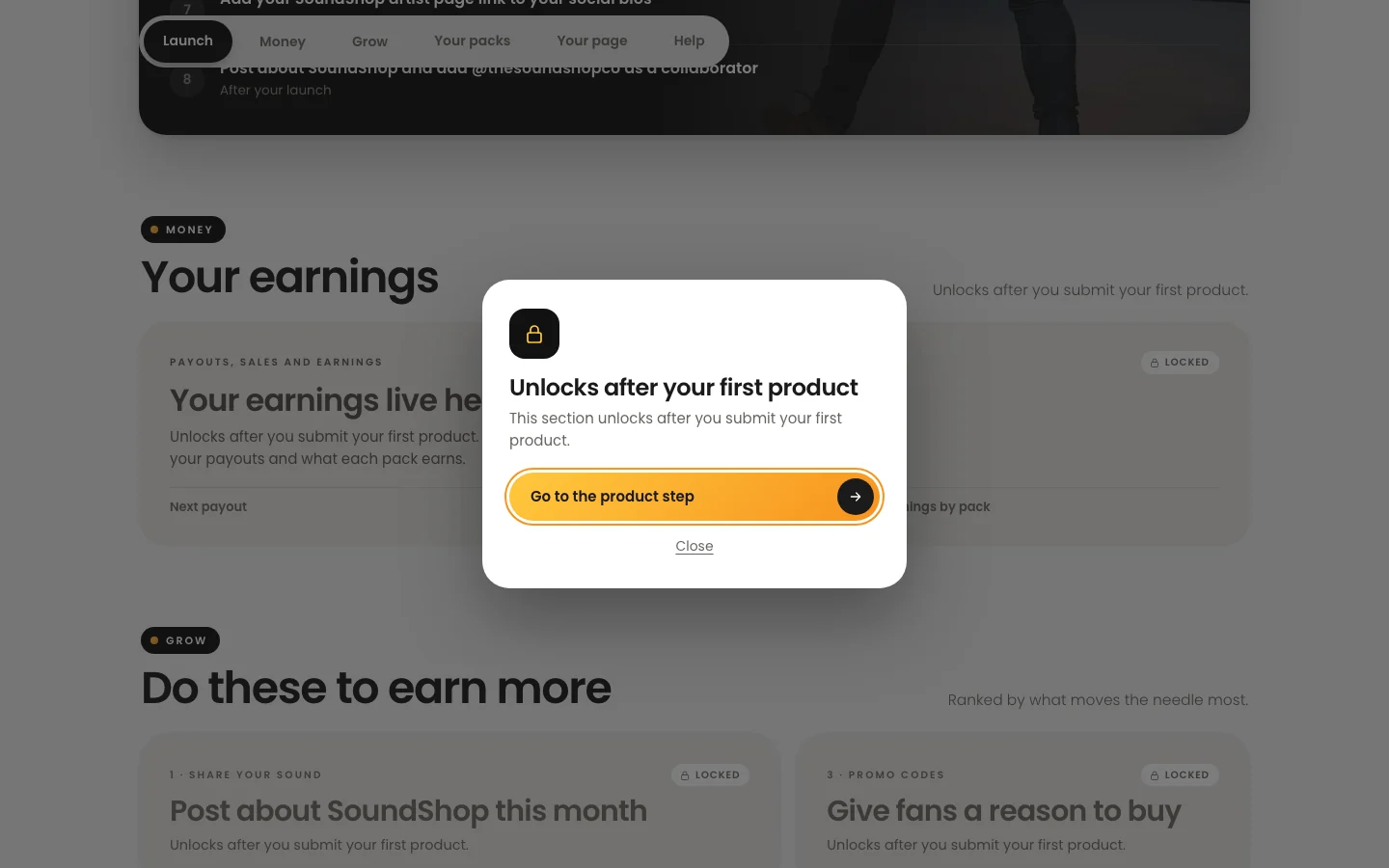
Sections that aren't ready yet stay visible but locked, with one button that jumps straight to the step that unlocks them.
Payouts artists can trust
Once live, the dashboard answers three questions first: what have I earned, when do I get paid, and how is it calculated?
- One number first: all-time earnings, with the next payout amount and date right under it.
- Estimate, then final: the current quarter is marked as an estimate until it closes. Past quarters are marked Final and match what was paid.
- A date, stated plainly: "Payout by Jan 15, within 15 days of the close."
- Rules in plain words, on the page: how profit share works, how free downloads count, and how amounts round.
- Numbers that reconcile: dashboard totals are checked against the report we use to pay artists each quarter. Each artist's payout rate stays private.
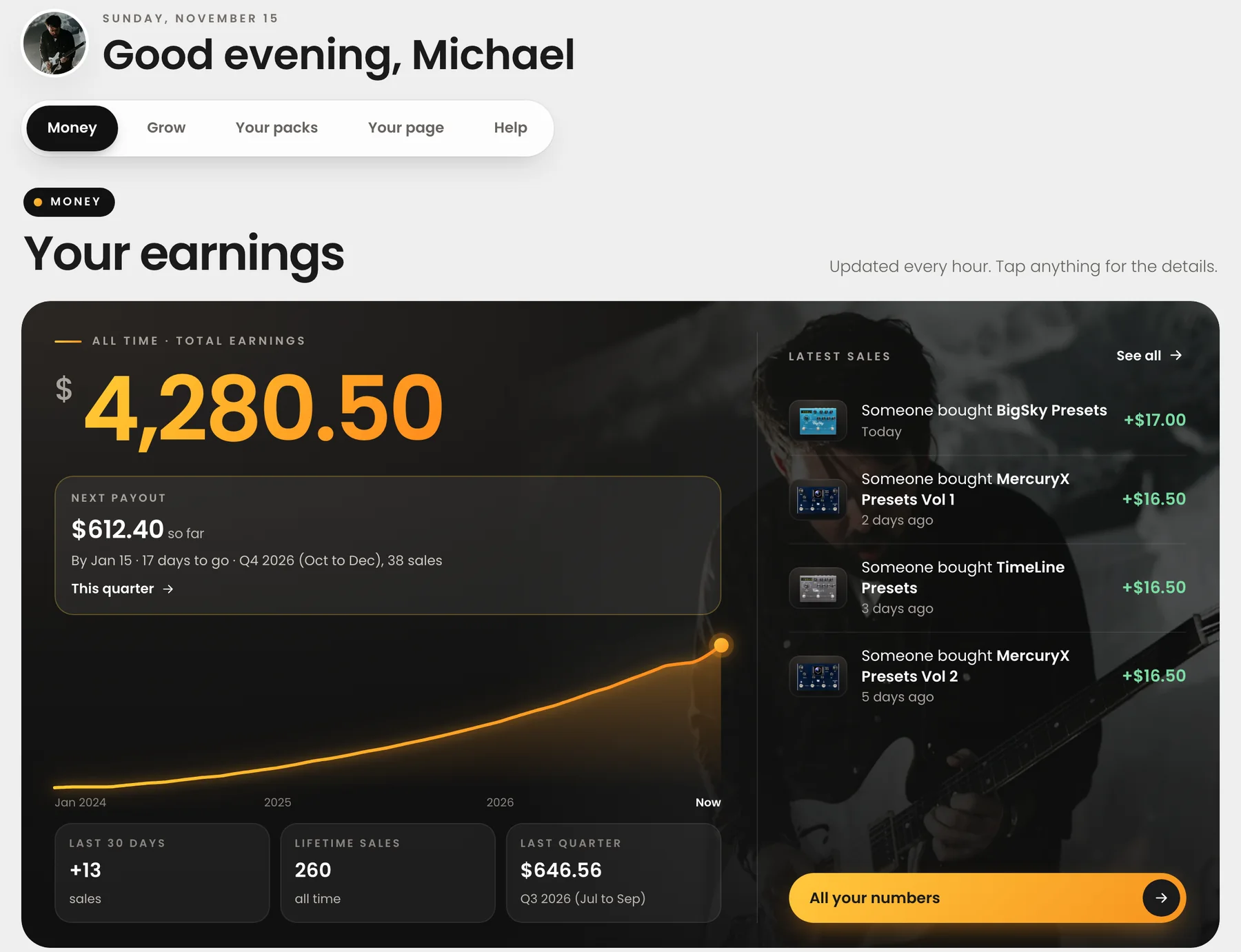
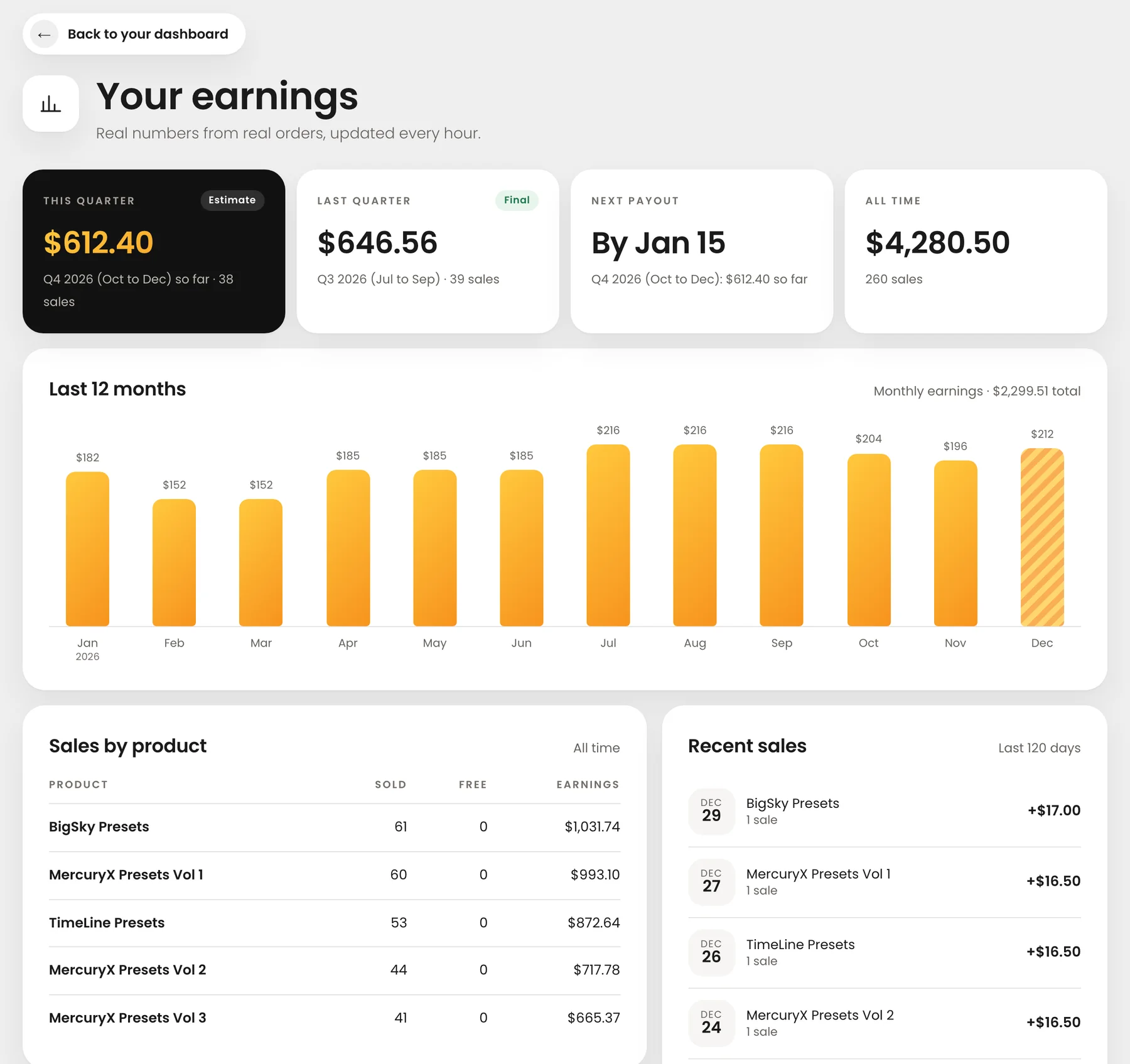
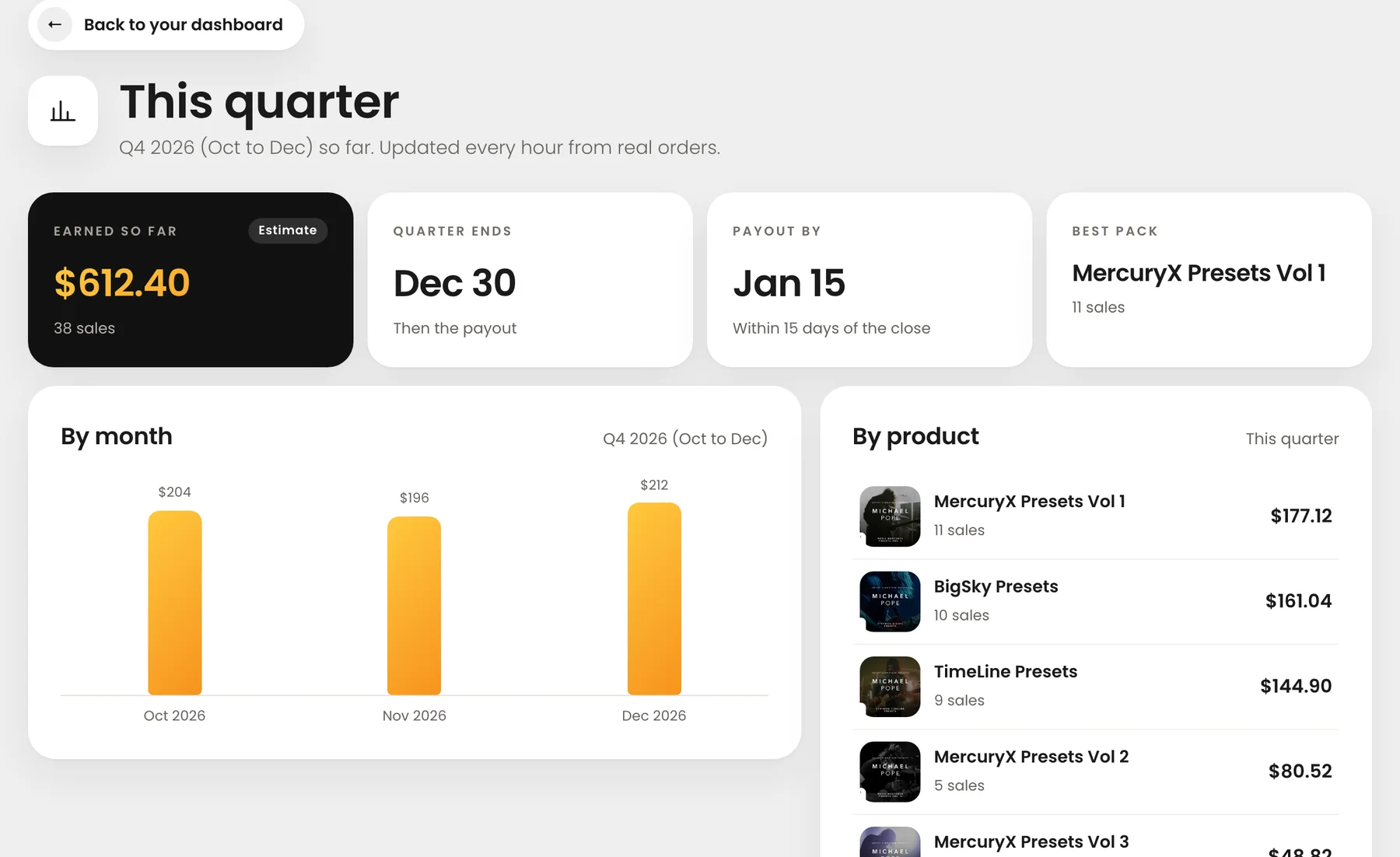
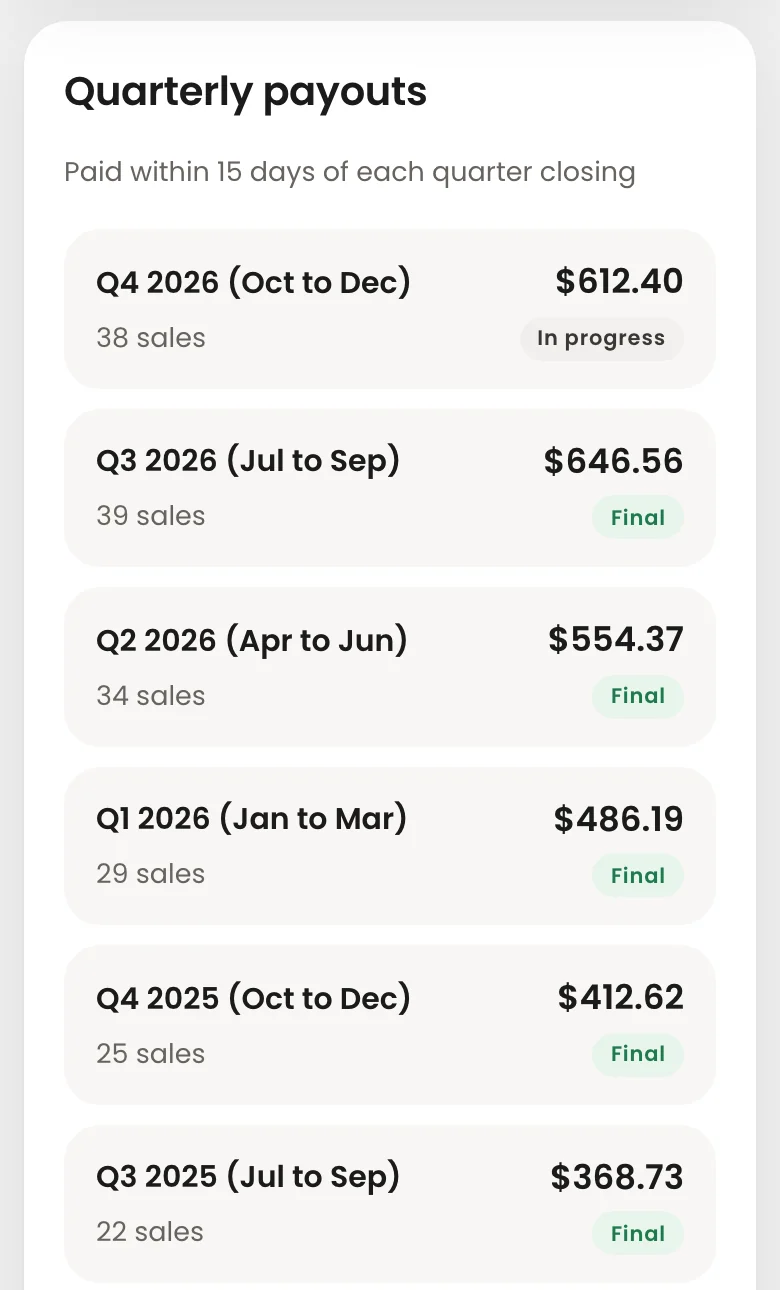
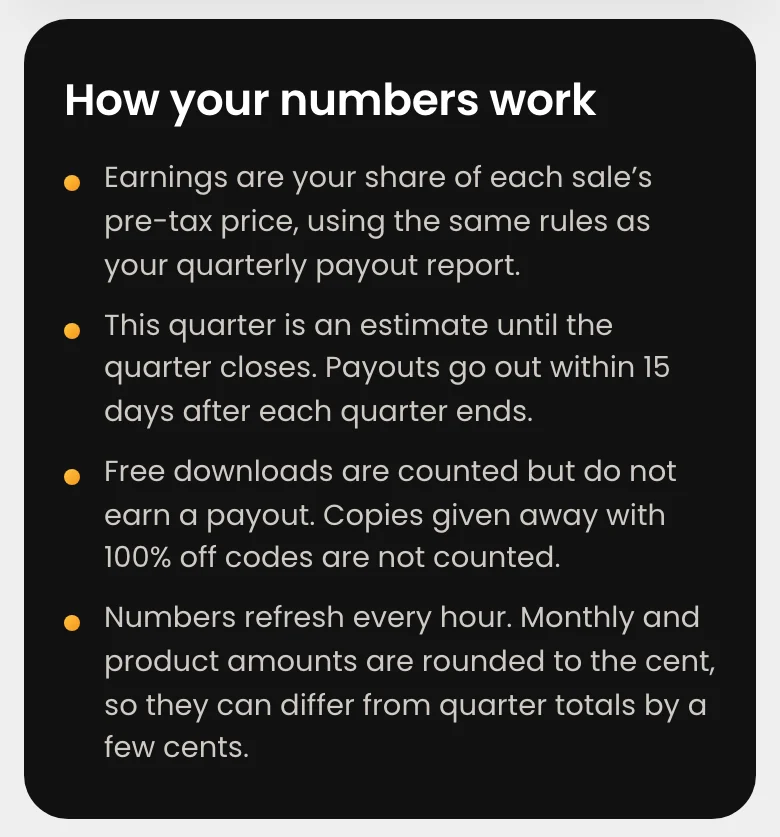
Shown in demo mode with sample numbers.
Tools to sell more
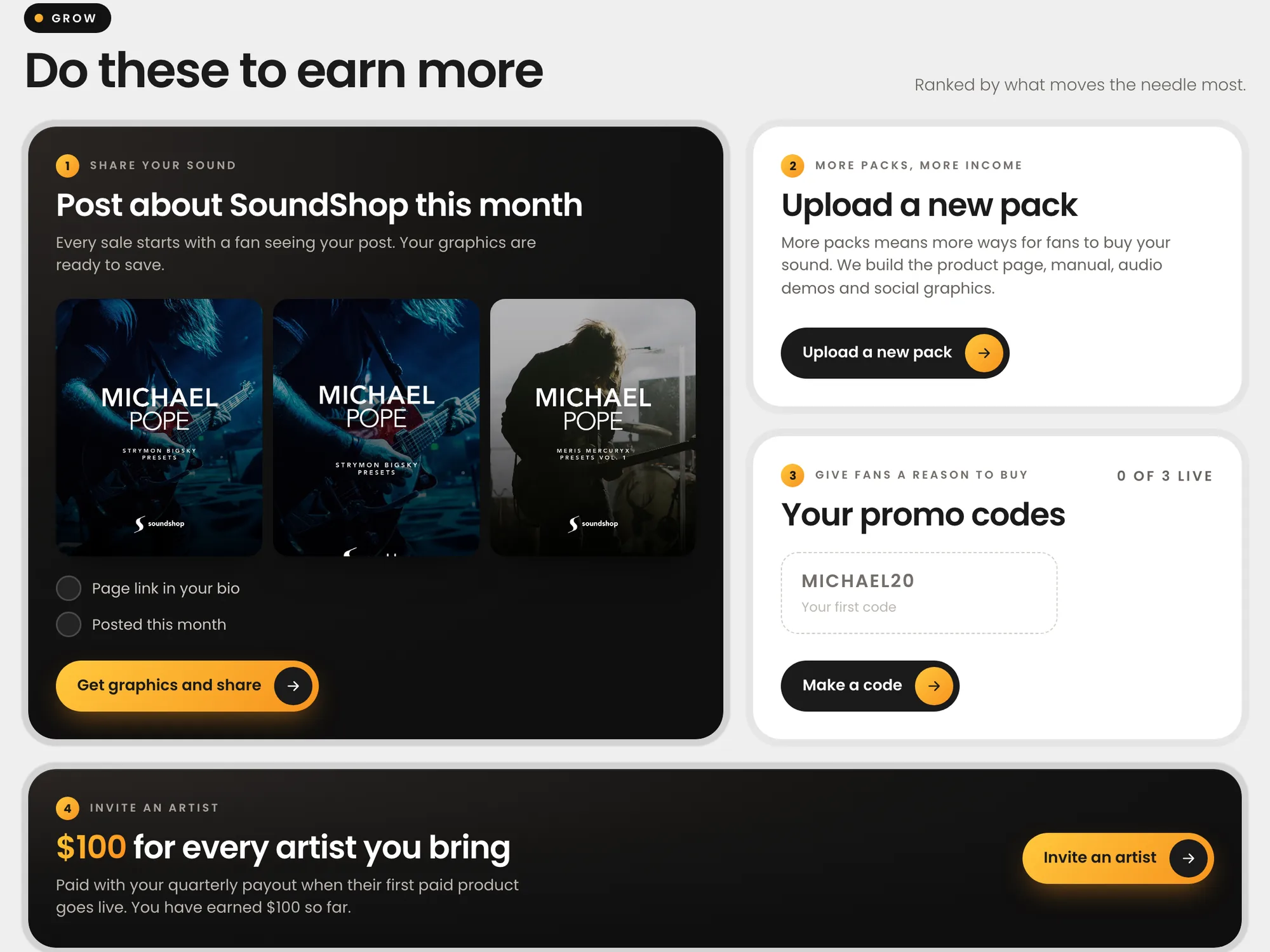
A Grow section suggests the next best steps: post about SoundShop with graphics we make for them, upload a new pack, create a promo code for fans, or invite another artist.